01 / Masterclass
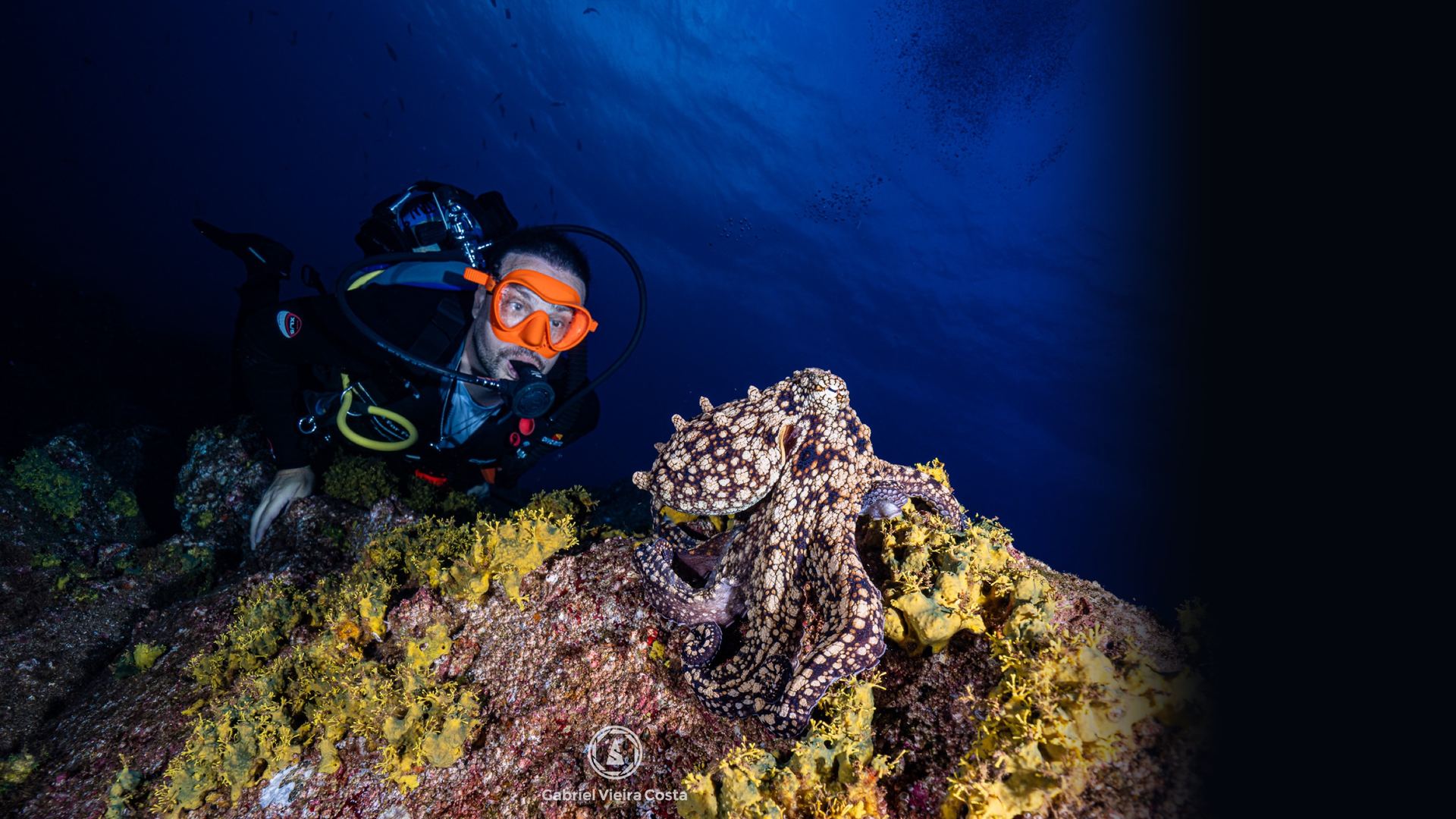
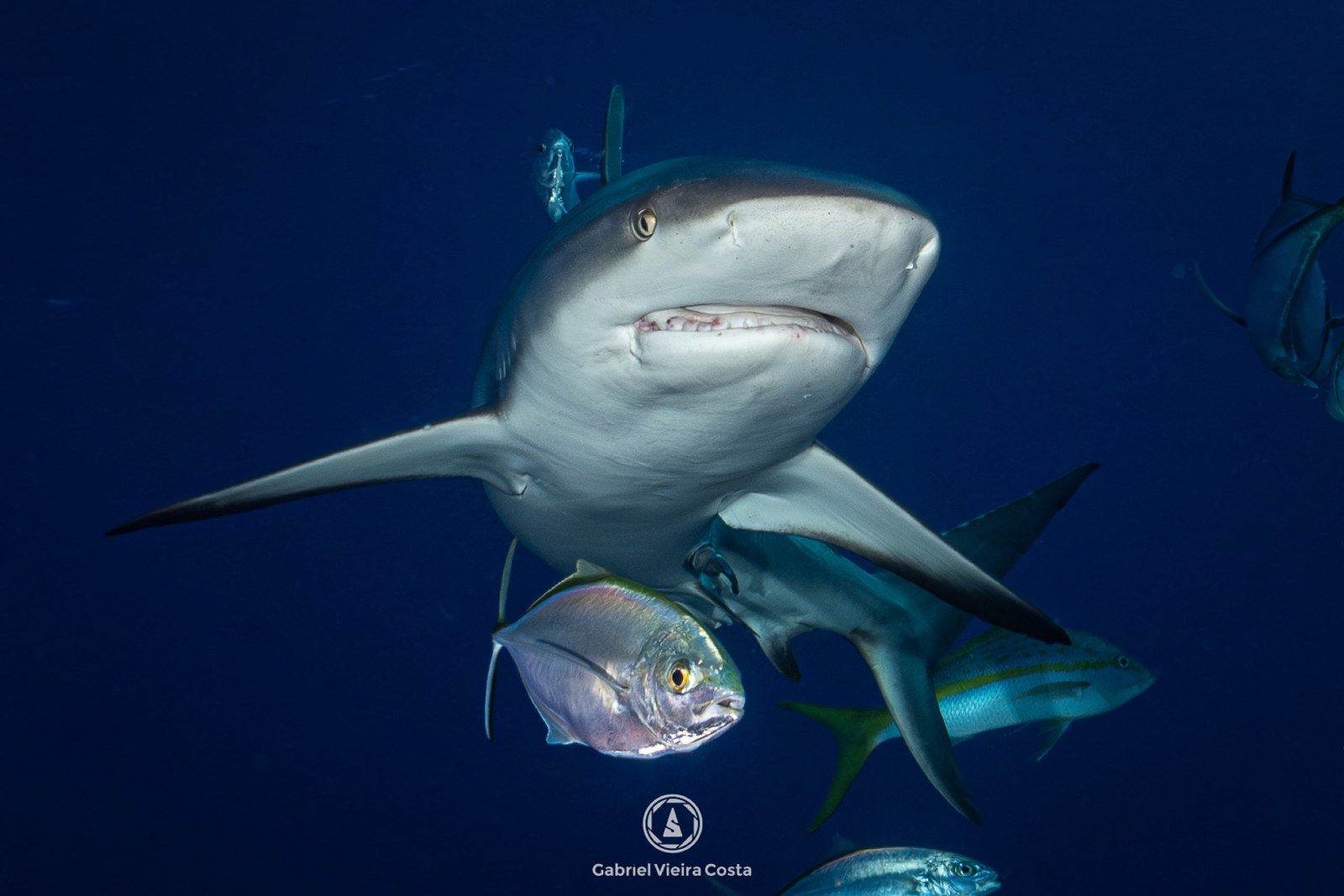
Underwater Photography
From buoyancy to strobes. What happens to light in water, how to expose, where to place your strobes and how to plan macro and wide angle before you get in the water.
- 01Diver First
- 02Light Underwater
- 03Exposure
- 04Equipment
- 05Artificial Light
- 06Macro
- 07Wide Angle
- 08Composition
- 09Editing and Practice
02 / Masterclass
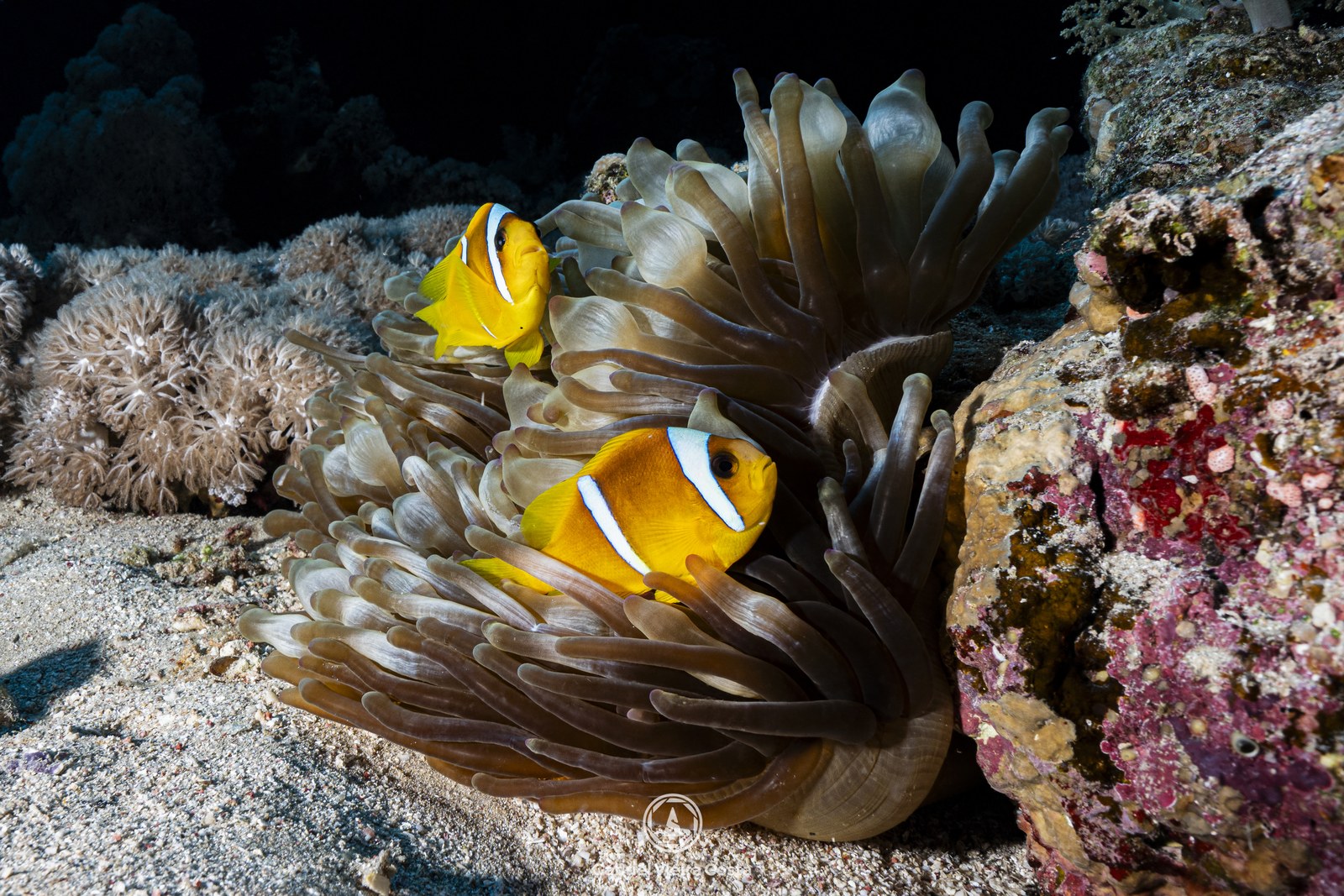
Lightroom Editing
The order I edit in Lightroom, the recipe for each kind of photo and how I clean up backscatter with the BackscatterXTerminator plugin. With real before and after images from Egypt and the panel for each one, the same numbers saved in the file.
- 01The method
- 02Organize
- 03Light
- 04Color
- 05Finishing
- 06Recipes
- 07Before and after
- 08Delivery
03 / Masterclass
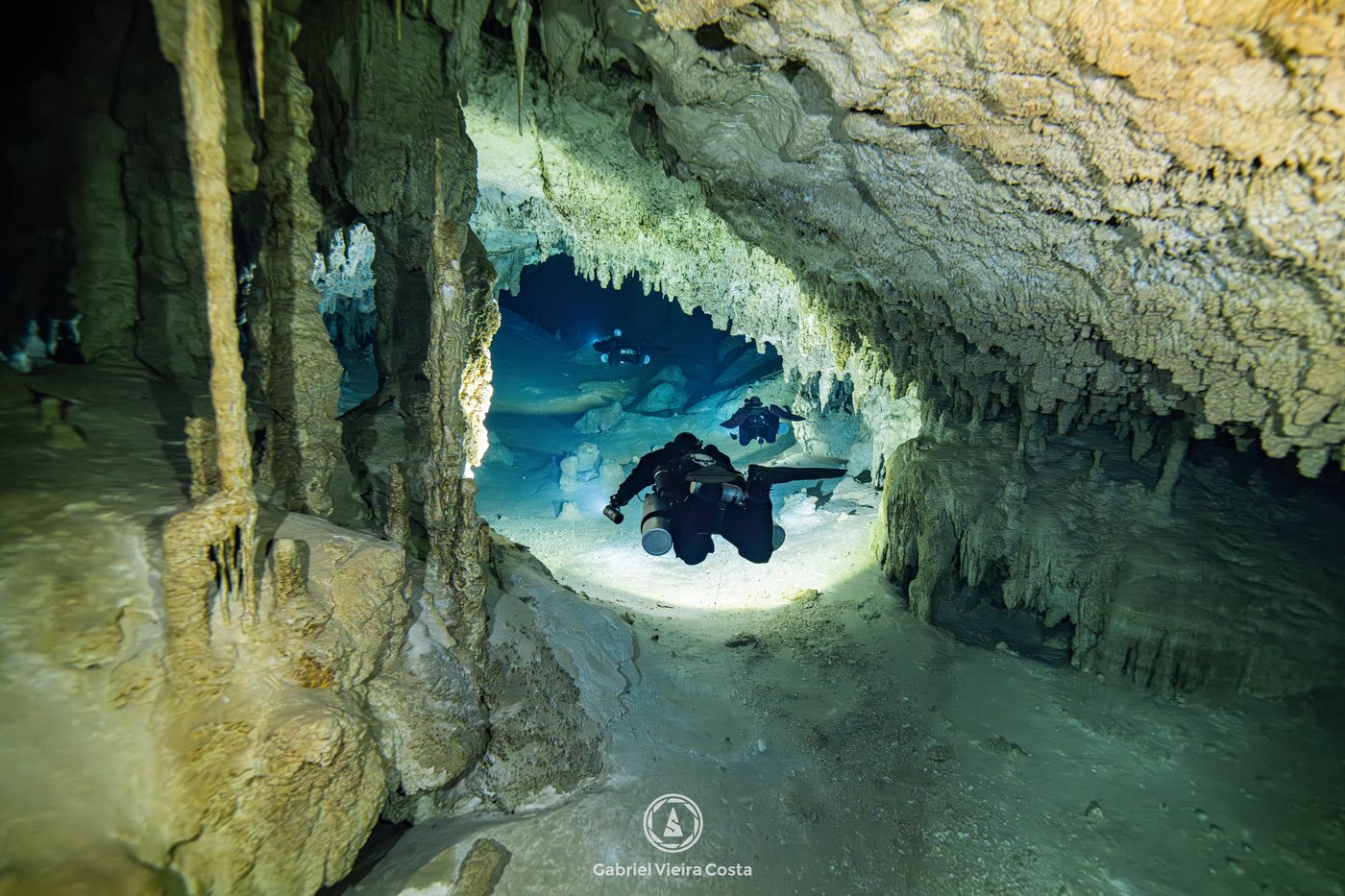
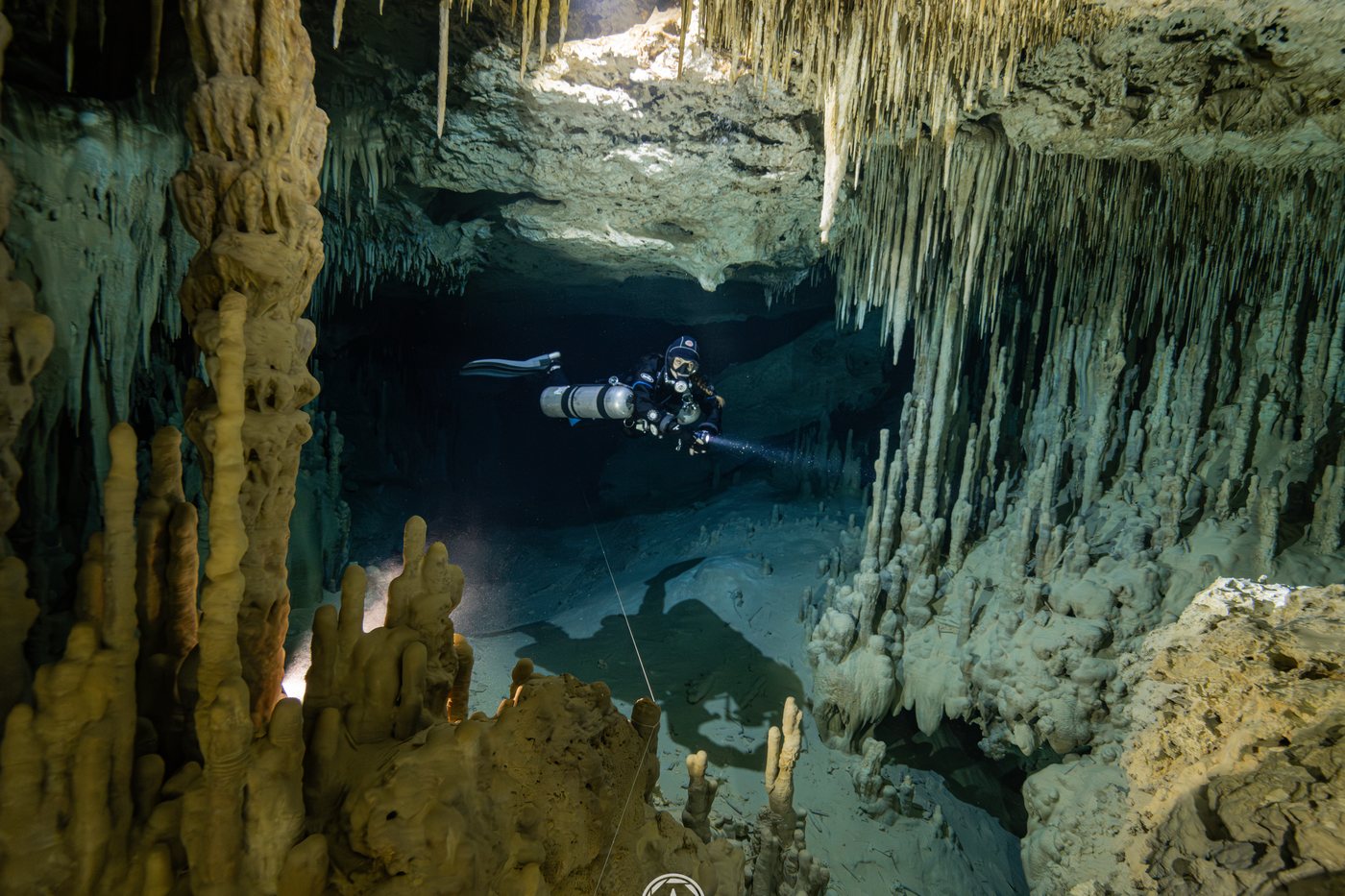
Cave Photography
Equipment, exposure in the dark, lighting setups, working with the model and the assistant, composition and the photo dive plan. With the real numbers from my photos: lens, ISO, shutter speed and aperture.
- 01First things first
- 02Equipment
- 03Exposure in the dark
- 04The light
- 05The team
- 06Composition
- 07Planning
- 08Wrap-up
04 / Masterclass
Cave Photo Editing
The order I edit cave photos in Lightroom: high ISO noise, the color of the dive lights, the beam that blows out and the recipes for the dark and for the daylight zone. With the real panel for each photo.
- 01The method
- 02Noise
- 03Color
- 04Light
- 05Recipes
- 06Before and after
- 07Finishing
- 08Wrap-up
Before and after
The RAW is not the photo. It is the negative.
Photos from the Red Sea: the RAW file and the version I published. Pick a photo and drag to compare.
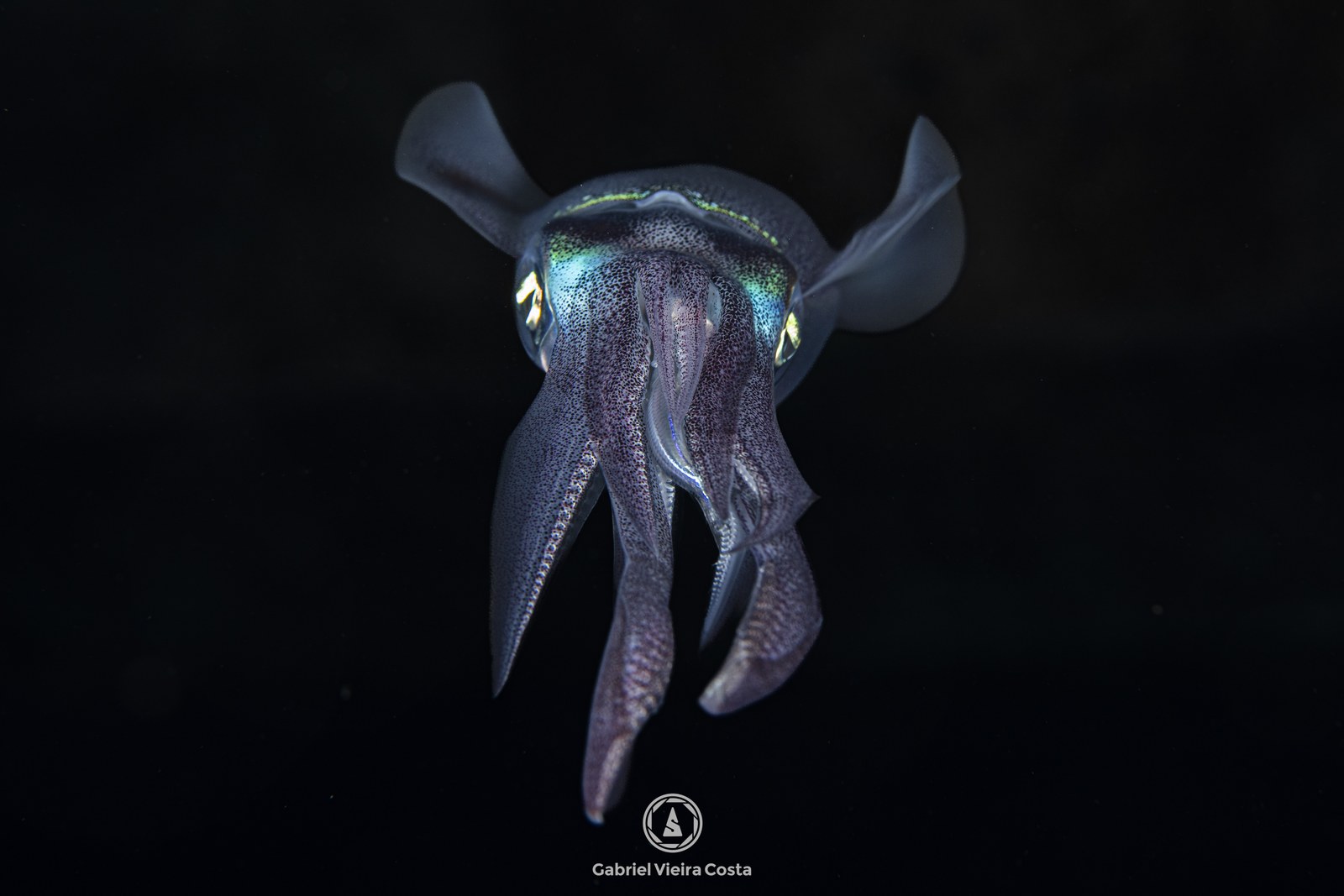
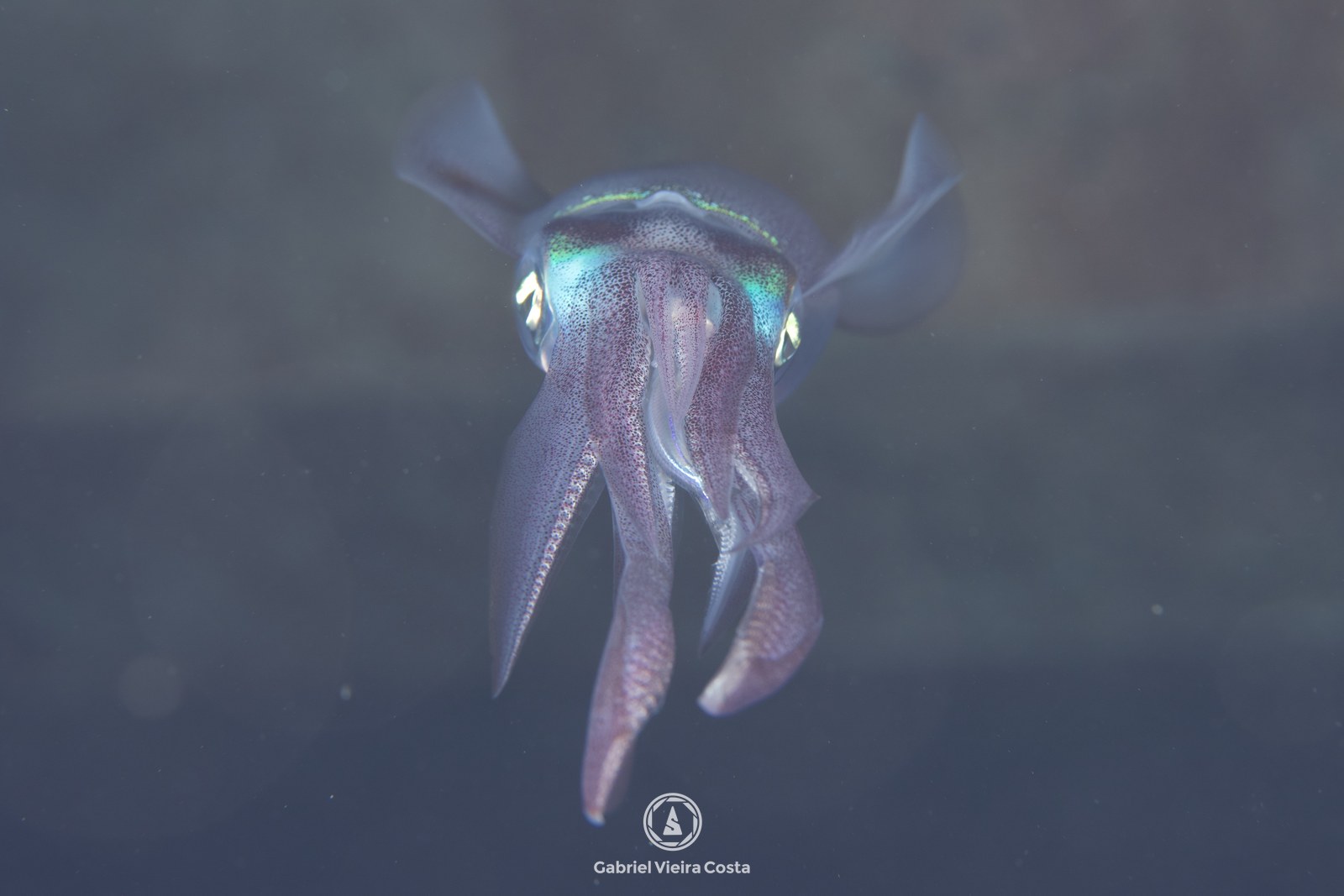 RAWFinal edit
What the numbers show
I measured my own editing on 2,301 photos.
have Saturation at zero. Strong color comes from white balance.
have Highlights pulled down. First I hold back the bright areas.
use a mask. Almost all the work is global.
How it works
Right in your browser, nothing to install.
You buy through Hotmart, with the payment methods available in your country.
You receive the student area address and your password.
Study on your computer or phone. The site remembers the screen where you stopped.
Questions
Before you buy
What language is it in?
English, Portuguese and Spanish. The same password opens all three, and you can switch language on any screen.
Is it video?
No. It is animated screens with photos and diagrams, and a text explaining each one. You read at your own pace and come back whenever you want.
Do I need a professional camera?
No. Light, exposure and composition apply to any camera. In the equipment module I compare everything from compacts to mirrorless.
Do I need to be a diver already?
The photography masterclass is made for people who already dive. It starts with control in the water, which comes before any photo.
Do I need Lightroom for the editing masterclass?
Yes. The panels shown are from Lightroom, and your photos need to be RAW to get the most out of it.
Do I need to buy the plugin?
No. BackscatterXTerminator is a paid Photoshop plugin, sold separately, and it is optional. I show how I use it and when it is worth it. Without it, you can clean the photo spot by spot in Lightroom.
What if I don't like it?
You can ask for a refund within 7 days through Hotmart.
I have another question. Who do I talk to?
Write to contact@gabrielvieiracosta.com. I answer personally.